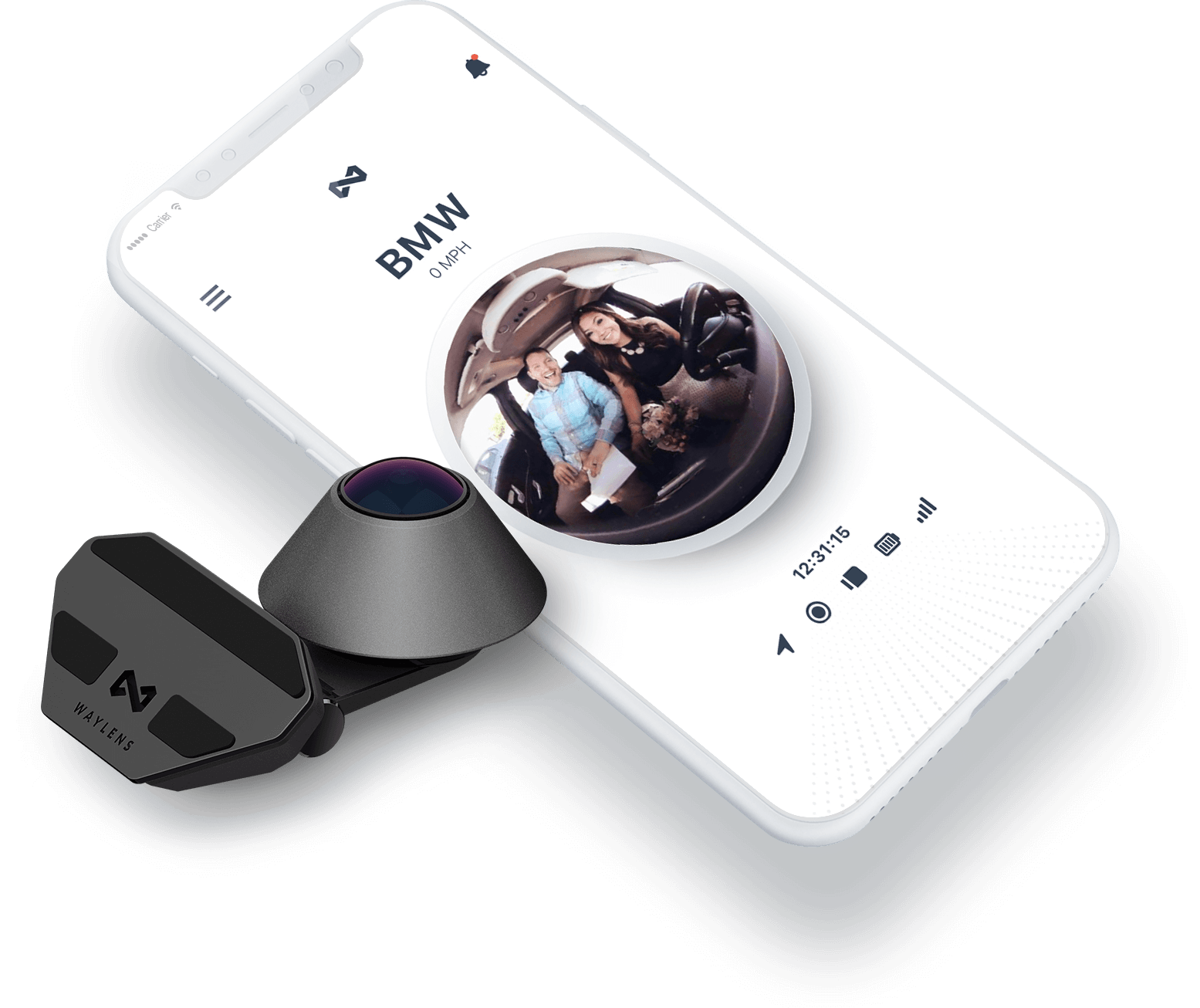
About
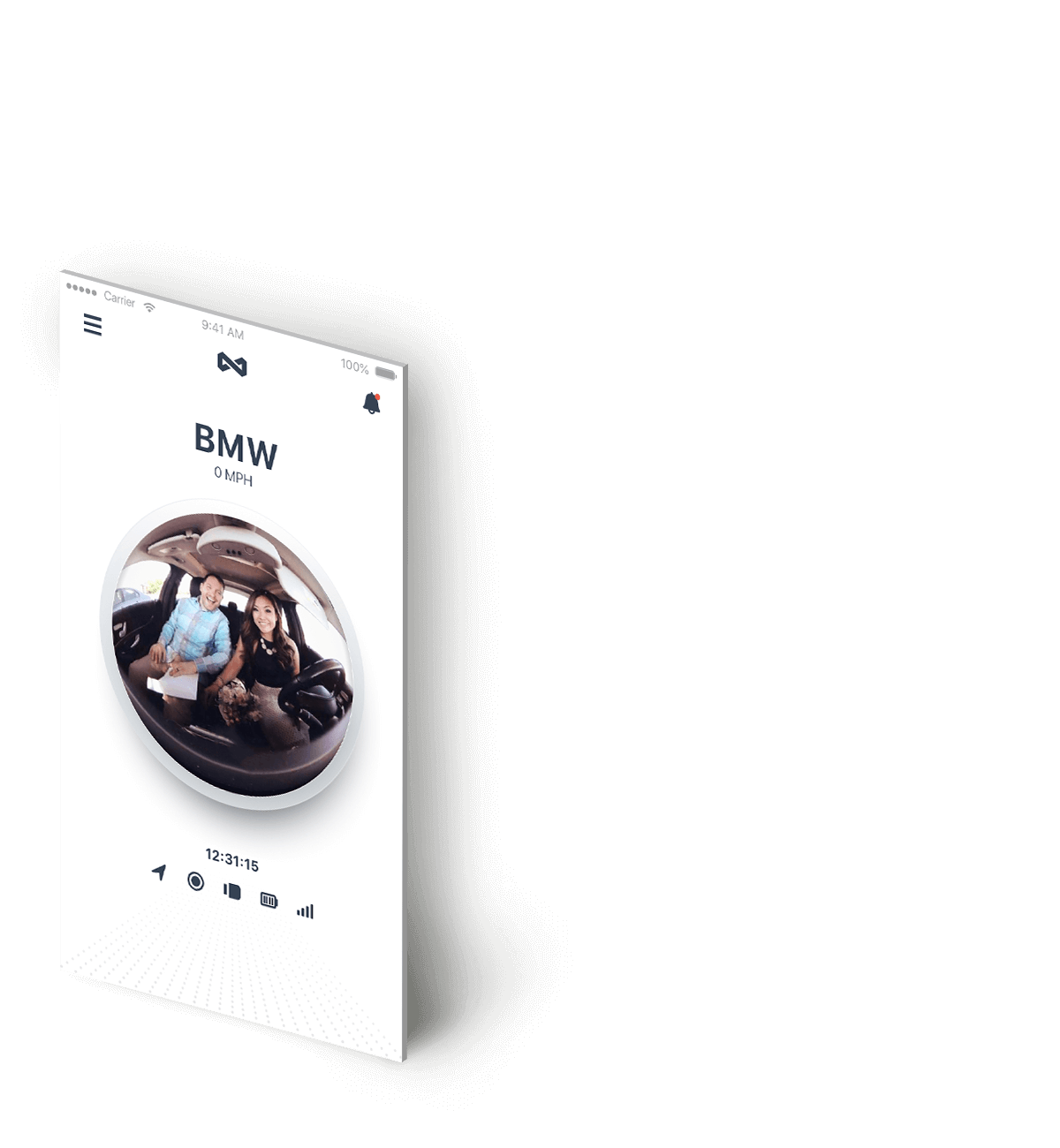
Waylens introduced a new car DVR system, Secure360. It came with the unique anti-theft function that will keep monitoring the surroundings even after the user left the car. We designed the app to help the users to check the car security situation from their mobile phone.
What value does Secure360 bring to the users? This was the first question we asked ourselves. If any security problem happened to the car when it was not in-use, it would be crucial to the users to be able to track its real-time status and geographical location.
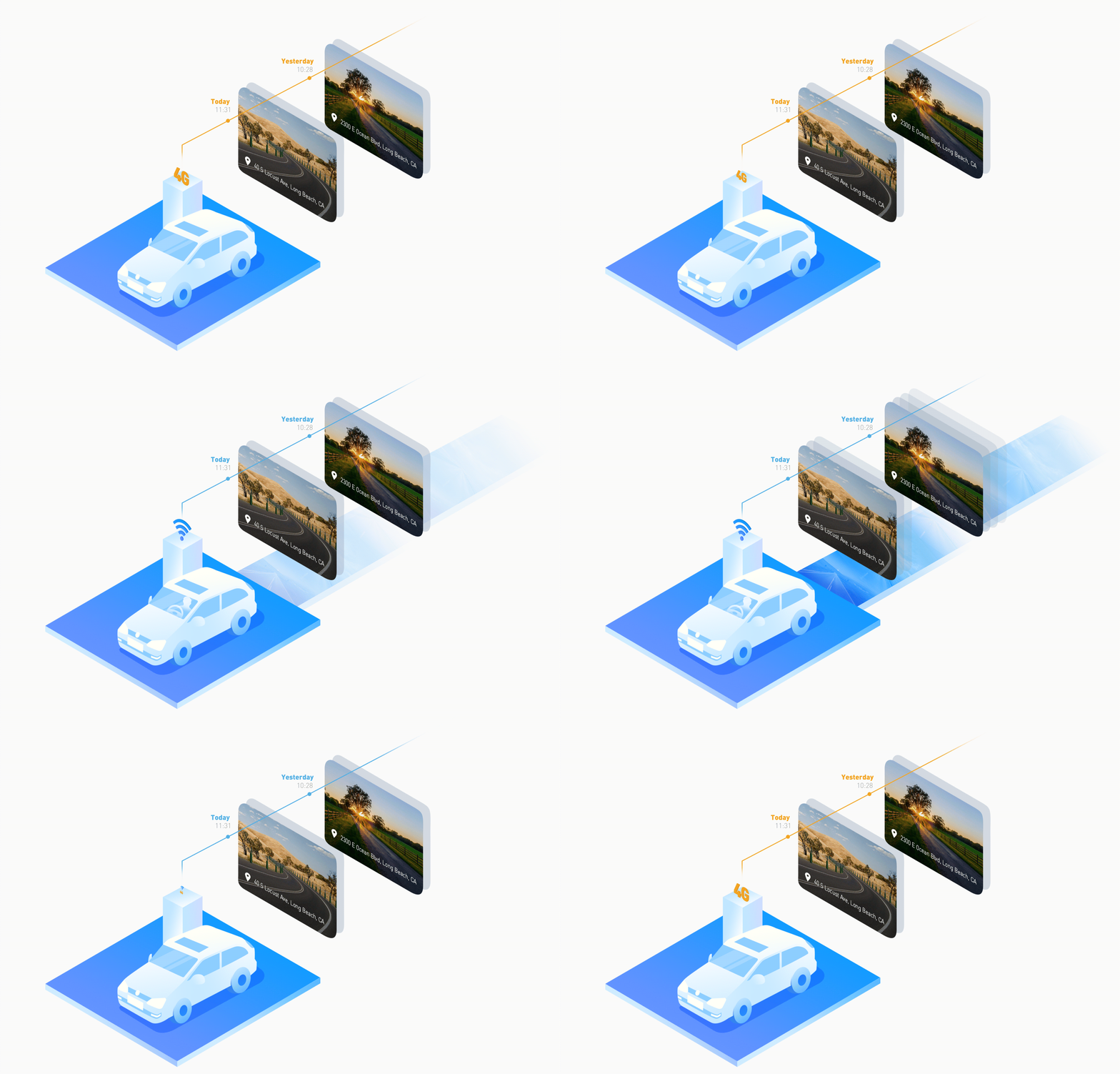
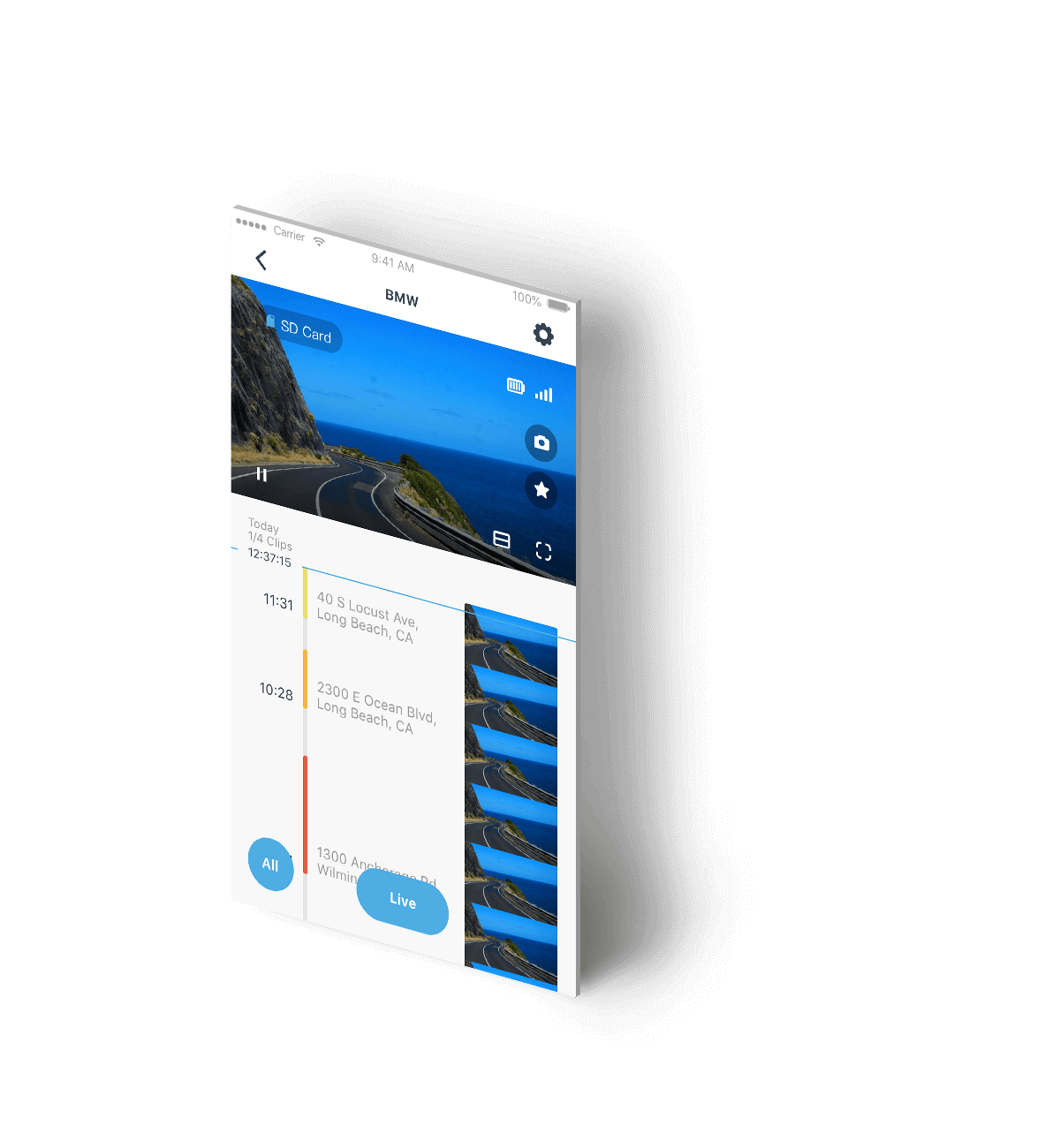
Fees may occur if the user is streaming Secure360 video through 4G service so we adopted contrasting colors such as blue and orange to distinguish between the Wi-Fi and 4G mode. The user could visually identify the current connection status to avoid unexpected data cost. The app will automatically switch to the blue Wi-Fi mode after the user entered the car and displayed the camera shot long videos in the form of timeline, enabling the user to browse and manage the content. After the user left the car, the app will switch to the orange 4G mode, and the user will receive a notification with the real-time video if anything happened to the car.
After discussing with the Secure360 development team, we abandoned the traditional way to list the core information and used the concept of timeline to guide the user in rapidly locating the needed driving monitoring records. In addition, the timeline display is more fun to interact with. The user only need to slide the bar to check what happened today in seconds. That significantly improved the convenience of the operation.
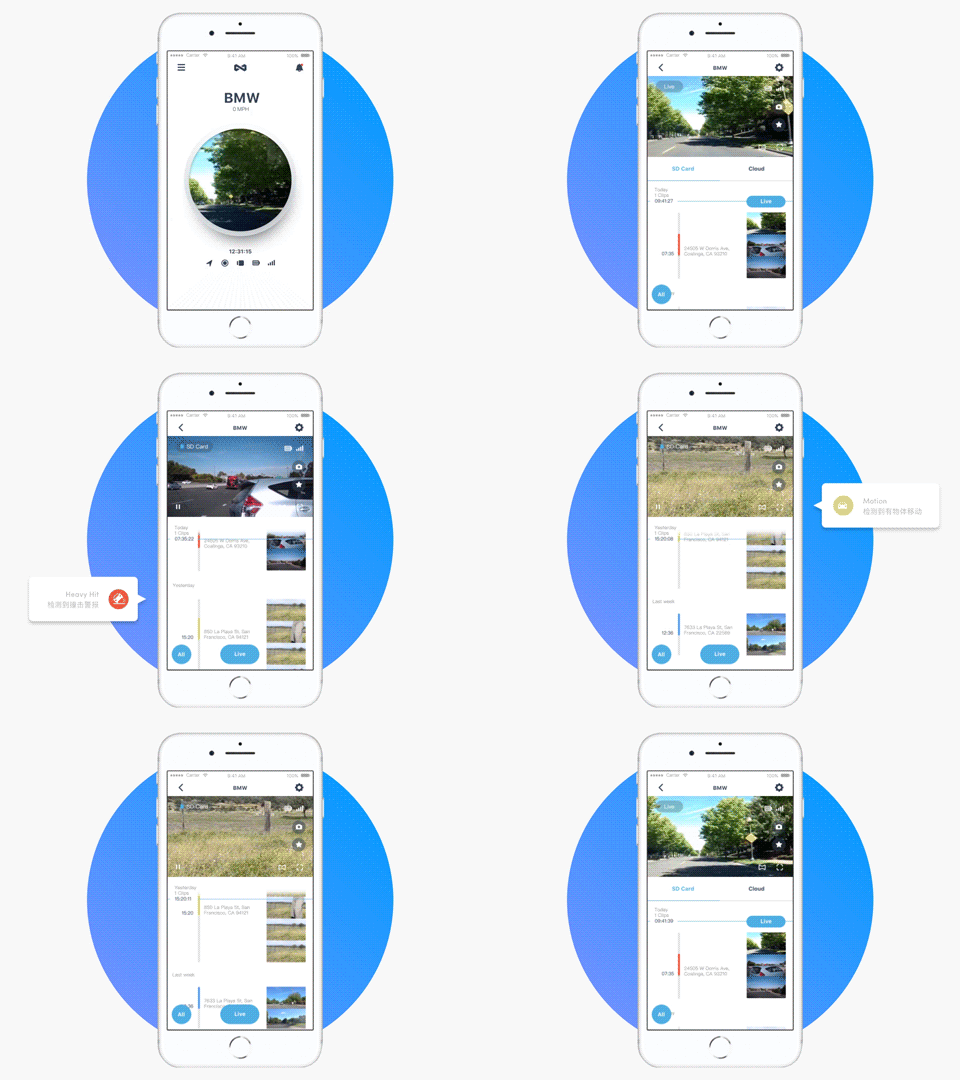
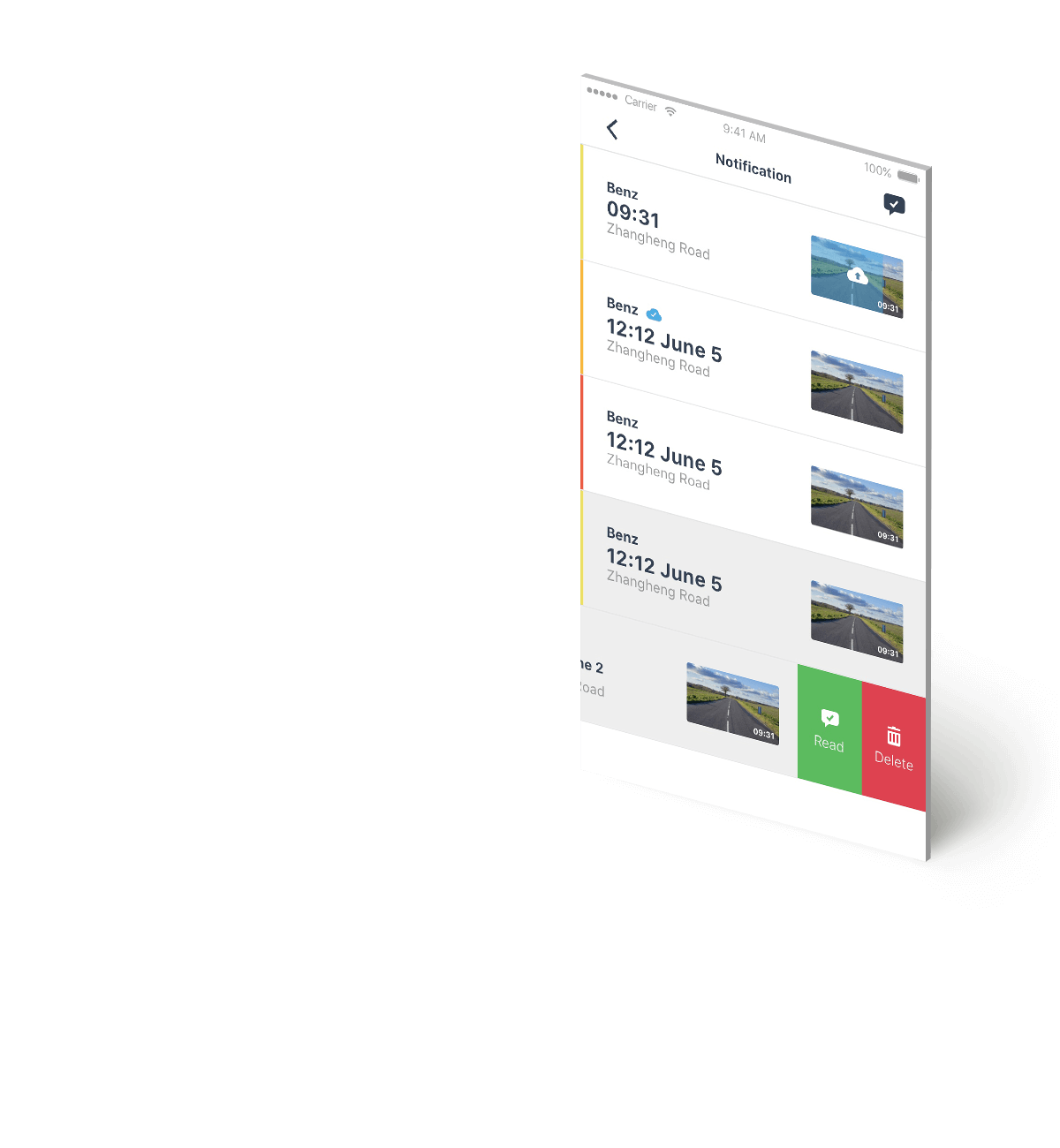
There are a lot of useless data in the records so we color coded the different driving statuses to enable quick data filtering. We chose four colors to represent the Motion, Hit, Heavy Hit, and Highlight status. The more dangerous the situation is, the darker the color associated with it. Also, the flat style icon made the status clear to the users.
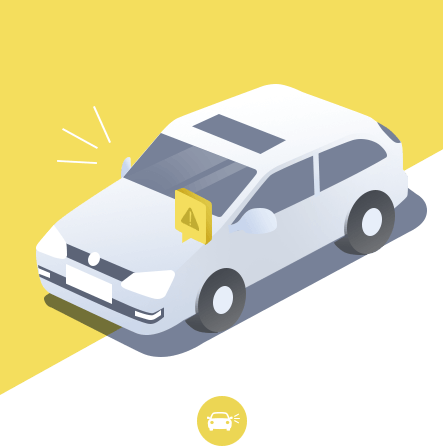
When any slight hit or move such as that pedestrian against the car happened, the app will send the Motion level notification in light yellow to the user.
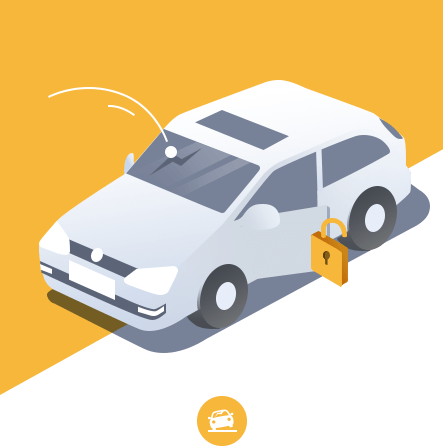
When a moderate hit or other dangers such as lock picking was detected, the user will receive a Hit level notification. We chose orange as the represented color.
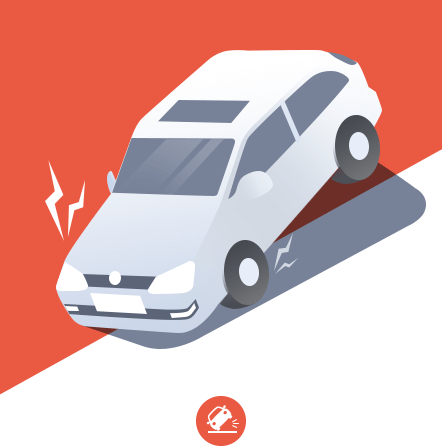
When a severe hit happened, such as collision, not only the user will receive the red color notification, but his emergency contact will be sent a call notification.
Users could highlight clips to create their own video. To show the specificity of highlight, we chose the app theme color, blue, as the representation.
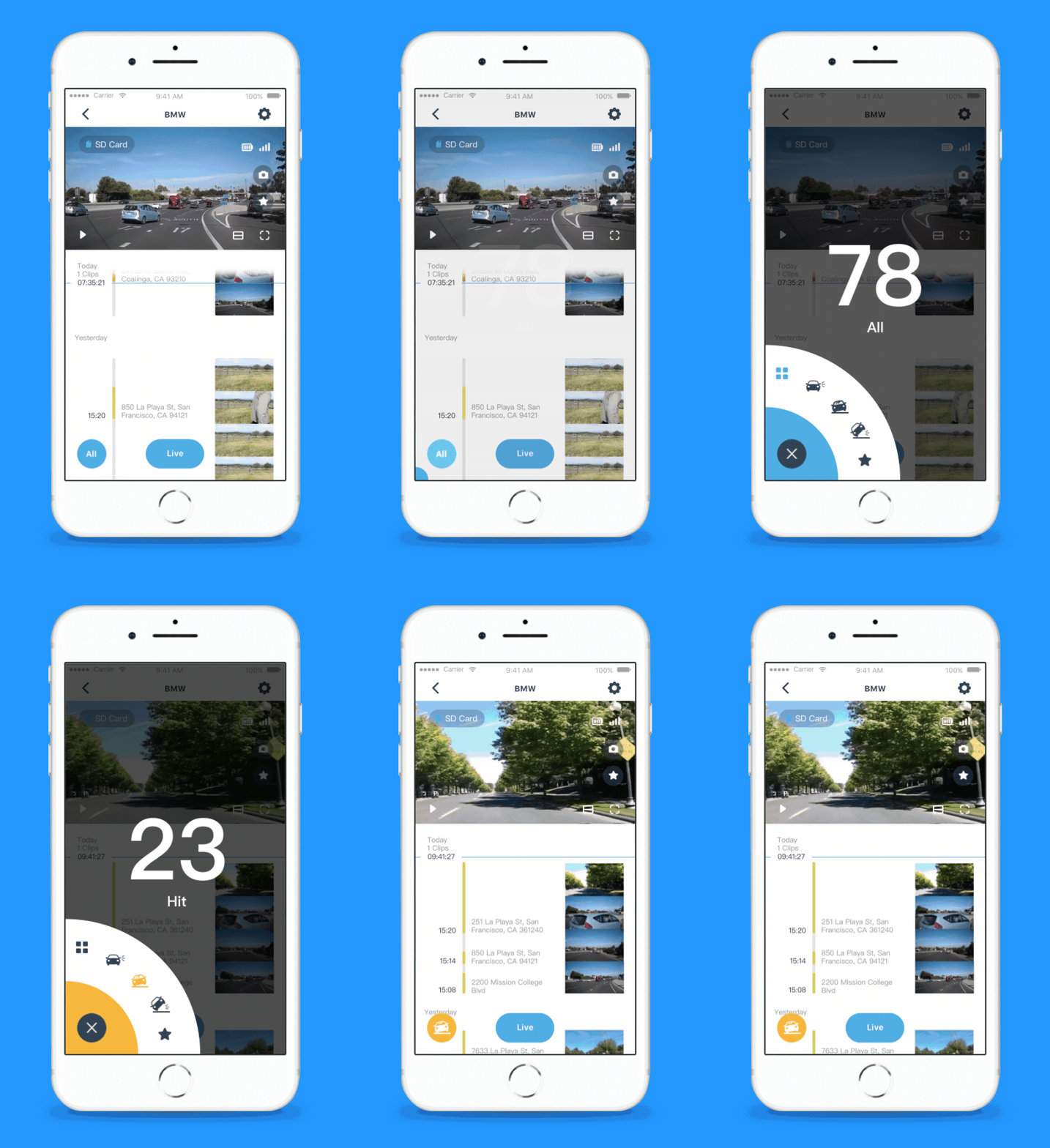
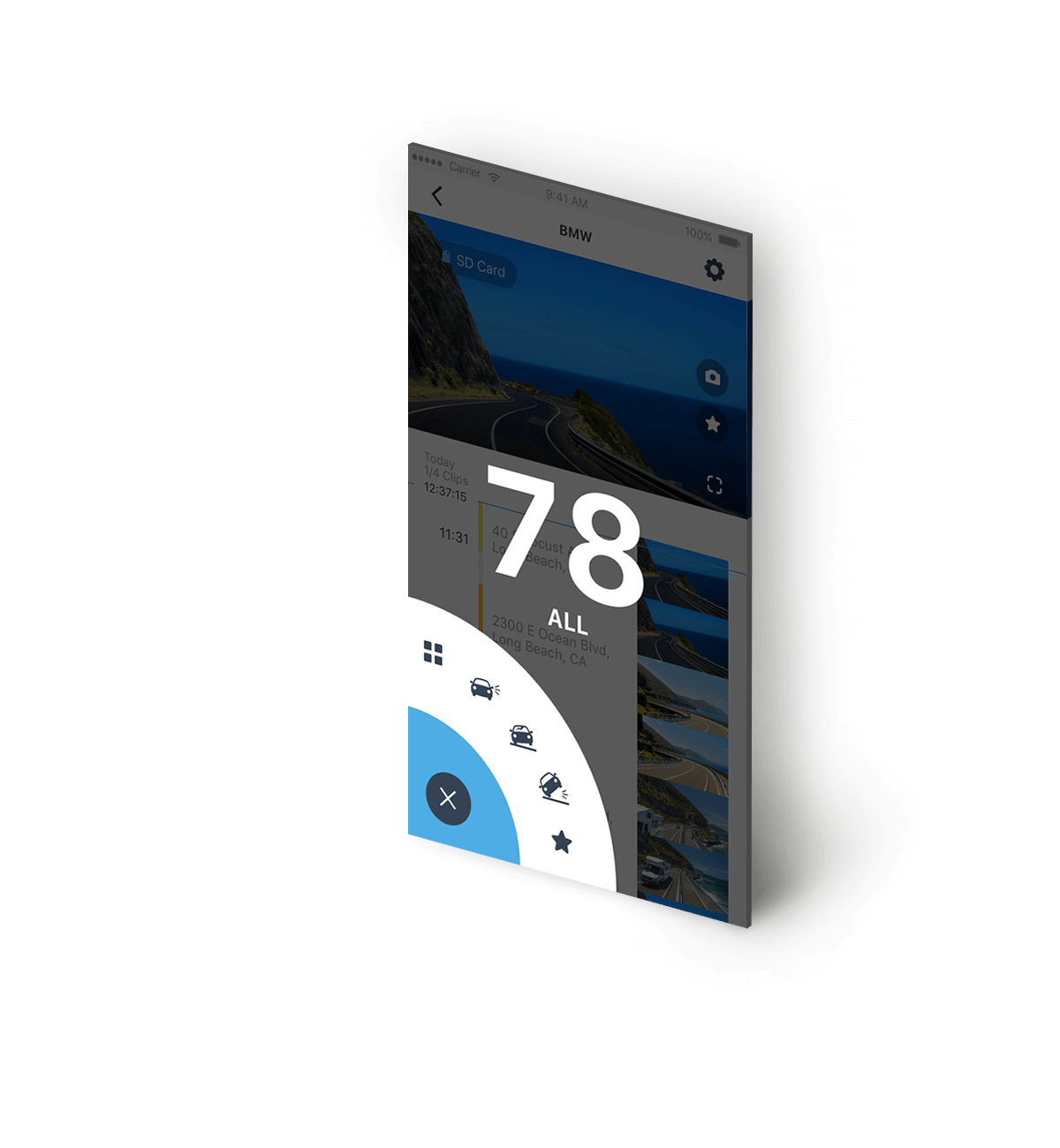
We chose an interesting way to display filter components: a floating fan-shaped design which doesn't occupy central spaces of the underlying page. The user can easily switch between modes by clicking on the representative icons, and the fan color will change to the mode's color. Moreover, the striking available video number and the lively animation make the security monitoring experience enjoyable and relaxed.